The best Holosun reticle color is the one that looks clearest to your eyes in the conditions where you use it. Red, green and gold are all worth considering; none is the best choice for everyone.
We compare the EPS RD2, GR2 and GD2 below. Each has a 2 MOA dot in the same enclosed EPS body, making them a useful way to compare colors without also changing window size or reticle pattern.
Holosun Red Dots: EPS RD2
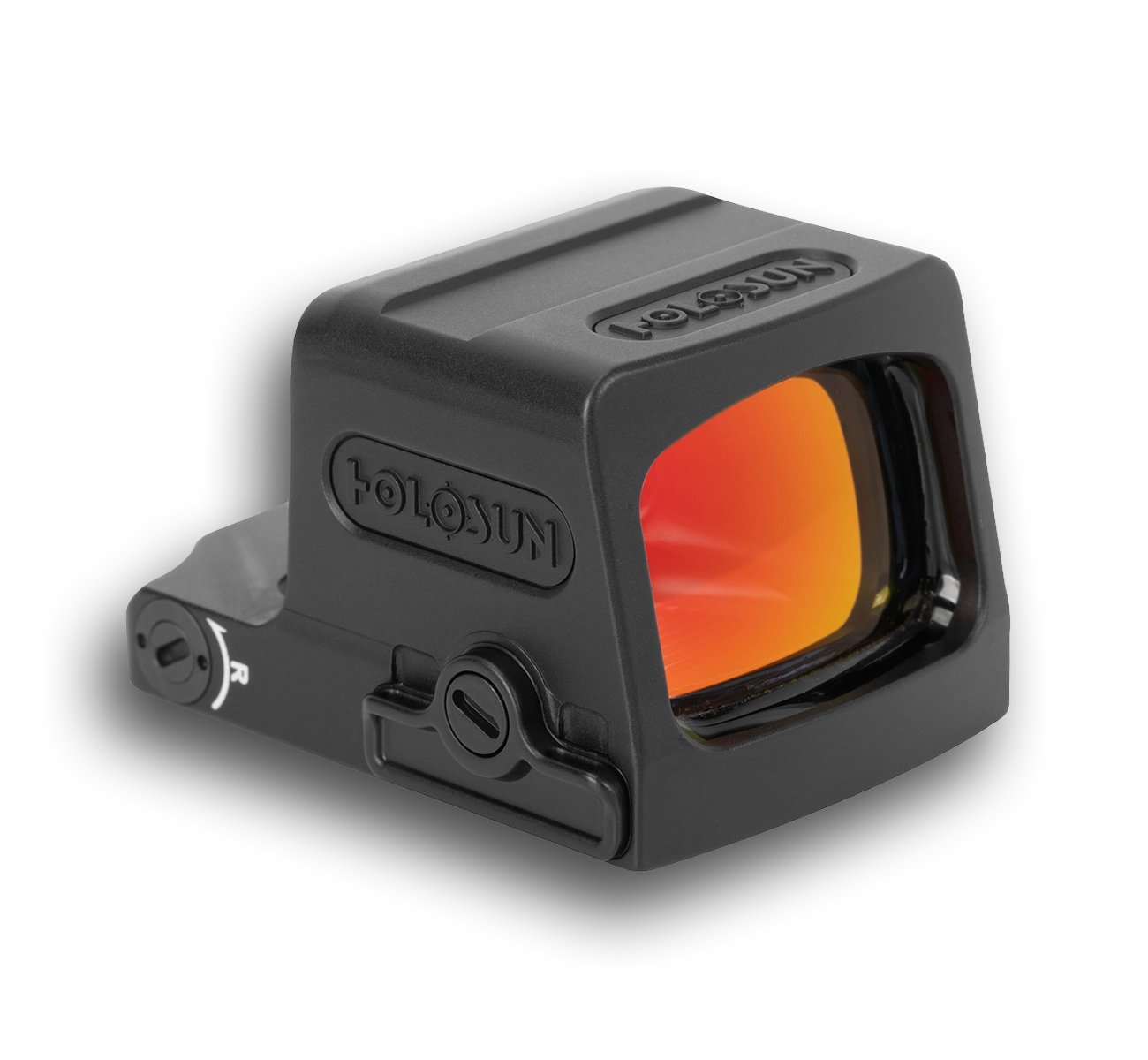
Red Reticle Options
The EPS RD2 has a red 2 MOA dot. RD identifies the red reticle, while 2 identifies the dot size.
Want a circle as well as a dot? Choose EPS MRS instead. Want a narrower body? Compare EPS Carry. Those are separate decisions from reticle color.
EPS RD2 Features and Fit
The EPS RD2 is an enclosed, non-magnified pistol optic using the Holosun K interface. Its window measures 0.90 x 0.63 inches, and the side-loading CR1620 battery can be replaced without removing the optic.
Choose the RD2 if you prefer a plain red dot without a surrounding circle. You still get the EPS enclosure and side-loading battery compartment.
Manual brightness controls let you choose the illumination level. Shake Awake activates the sight with movement and conserves battery power while it is idle.
Why Choose Red?
Red is a straightforward choice if you already like it. There is no reason to pay for a different color unless you prefer how it looks.
When possible, look through the actual optic. Compare the same dot size in each color; a product photo cannot show exactly how the reticle will appear to your eyes.
Reference: Holosun EPS RD2. Browse the Holosun red-dot collection.
Holosun Green Dots: EPS GR2
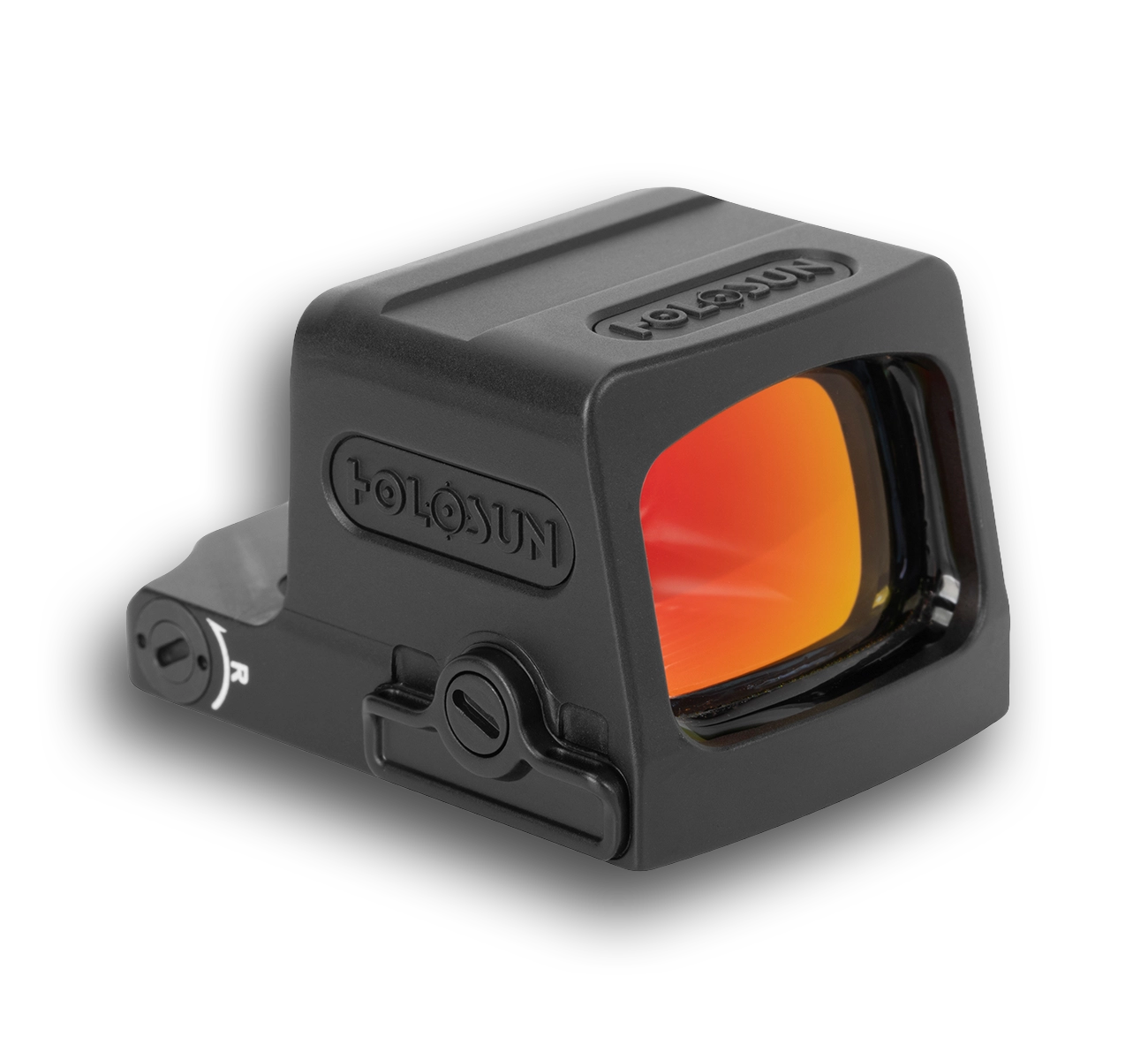
Green Reticle Options
The EPS GR2 changes the illuminated dot from red to green while keeping the standard EPS format.
It is the closest green alternative to the RD2: the same 2 MOA dot size and enclosed body, with a different reticle color.
EPS GR2 Features and Fit
The GR2 retains the Holosun K footprint, 0.90 x 0.63-inch window and side-loading CR1620 battery. For a smaller body, compare the separate EPS Carry family.
Choose GR2 for a plain green dot. Choose green EPS MRS if you also want the selectable circle and circle-dot patterns.
Like the red and gold EPS, the GR2 encloses the emitter to protect it from debris. The outside lenses still need normal cleaning.
Why Choose Green?
Green is worth considering if it looks clearer or more distinct to you than red. That preference is personal, so compare both rather than assuming green will suit every pair of eyes.
Brightness, pattern and the optical design all influence a comparison. If the green optic is set much brighter than the red one, the difference you notice is not solely color. If one uses a circle-dot pattern and the other a plain dot, you are comparing reticle patterns as well.
Choose green if you prefer its appearance through an optic that otherwise suits your needs. Confirm compatibility and features first, then compare colors within that configuration.
Reference: Holosun EPS GR2. Explore the Holosun green-dot collection.
Holosun Gold Dots: EPS GD2
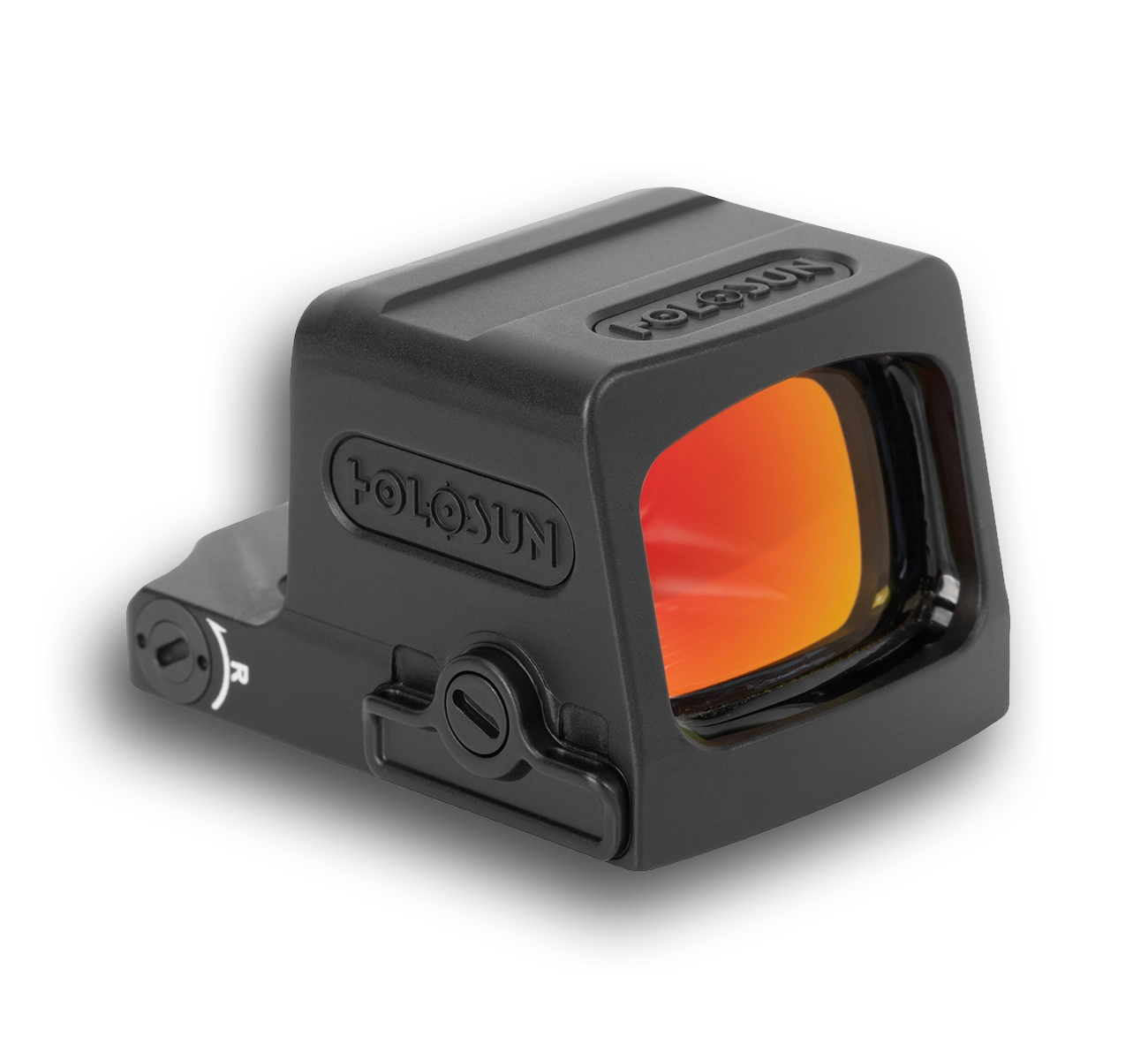
Gold Reticle Options
The EPS GD2 projects a gold-colored dot. The color refers to the illuminated reticle, not the housing or the reflective coating on the lens.
Gold offers a third option if neither red nor green is your clear favorite. It is a separate model, not a color setting on the red or green versions.
EPS GD2 Features and Fit
The EPS GD2 has the standard EPS body and a 2 MOA dot, making it a matched third example for this comparison. Like the RD2 and GR2, it uses the K interface and a side-loading CR1620 battery.
Choose the GD2 over an equivalent RD2 or GR2 when you prefer the gold reticle. The enclosed format and side-loading battery are shared across all three.
Gold is available in several Holosun families, but not every model. Confirm that the optic fits and has the features you want before choosing its color.
Why Choose Gold?
Gold is worth a look if you want an alternative to the usual red or green dot. Compare it in person when possible.
Use the same dot size and comparable brightness when judging gold against green. That makes it easier to decide which color you actually prefer.
Exterior product photos show the housing and lens coating, not the illuminated dot as you would see it through the sight.
Reference: Holosun EPS GD2. Browse the Holosun gold-dot collection.
Holosun Red vs Green vs Gold: Direct Comparison
| EPS example | Color | Pattern |
|---|---|---|
| RD2 | Red | 2 MOA dot |
| GR2 | Green | 2 MOA dot |
| GD2 | Gold | 2 MOA dot |
What Changes, and What Stays the Same?
These examples use the same optic family and nominal dot size. Their common housing format, interface and dot-only configuration make it easier to compare reticle color without changing other major features.
These three EPS variants share the same basic design. If you compare a different Holosun family, check its window, battery and mounting pattern separately.
Reticle Color vs Dot Size
MOA expresses angular size. Color describes the hue of the illuminated reticle. Comparing a red 2 MOA dot with a green 6 MOA dot changes both variables, so it cannot tell you whether color alone explains your preference.
Keeping dot size consistent makes a color comparison more useful. After deciding which color you prefer, you can separately consider whether a different dot size or pattern is available in the model you want.
Dot-Only vs MRS Reticles
MRS identifies selectable reticle arrangements. A dot-only product and an MRS product are different configurations even if their color and housing match.
Our EPS Carry 2 MOA vs 6 MOA vs MRS guide explains that separate choice. It is useful when the question is really about a plain dot versus a circle-dot display rather than red versus green.
Choosing a Reticle Color
Start with compatibility and physical format. Optics with different housing designs, sizes and interfaces are not interchangeable simply because they all offer a green reticle. Our Holosun footprint guide explains the interface side of that decision.
Next choose the features you want, such as dot-only versus MRS and the battery arrangement. Then compare color variants within that configuration. This keeps color preference from overshadowing a more important difference in fit or features.
Finally, compare the actual view where possible. A screen can illustrate a reticle pattern but cannot reproduce exactly how the optic appears to your eyes. Consider more than one viewing condition rather than deciding based only on a brightly lit display case or a single product photo.
Should You Pay More for a Different Color?
A color premium is worthwhile when you clearly prefer that variant and the rest of the product matches your needs. It is harder to justify when the choice is driven only by a claim that one color must be superior for everyone.
Compare the same model, dot size and package contents before paying a color premium. EPS MRS or a bundle with accessories can cost more for reasons unrelated to color.
Choose the color you like, in an optic that fits. Red remains a good choice if it works well for you; green or gold is worth the extra cost when you clearly prefer it.
Holosun Reticle-Color FAQs
No. The RD2, GR2 and GD2 are separate color variants. Each uses its specified reticle color and cannot switch between all three.
No. Preference varies, and comparisons are influenced by brightness, pattern and the optic itself. Compare matching configurations rather than relying on a universal ranking.
No. Gold describes the illuminated reticle. Lens-coating reflections and housing colors are separate characteristics.
These three EPS color variants all use Holosun K. Always check the exact model when moving between families rather than assuming reticle color determines compatibility.
No. Color and reticle system are separate choices. The RD2, GR2 and GD2 examples are dot-only versions.
A photo can show the product or illustrate a reticle pattern, but it cannot reproduce the exact view through the optic. Reflections on the lens in an exterior photo do not show the illuminated reticle.
Leave a Reply